Everyone has surely felt tired of having to remember dozens of different passwords for every social media account, banking, and shopping app. Maybe you've also experienced moments that annoyed you when you wanted to login important account, but end up stuck in a time-consuming “forgot password” cycle.
In recent years, passwords or password has become our main digital door guard. But, let's be honest password has many loopholes. If it's too easy, it becomes predictable, if it's too difficult, it's often forgotten. This is where Passkeys come in as a new hero. This technology promises a future where we don't need to type a single letter to log into our digital accounts. Let's break down in more detail what Passkeys are and why this is the security revolution you need.
What are Passkeys?
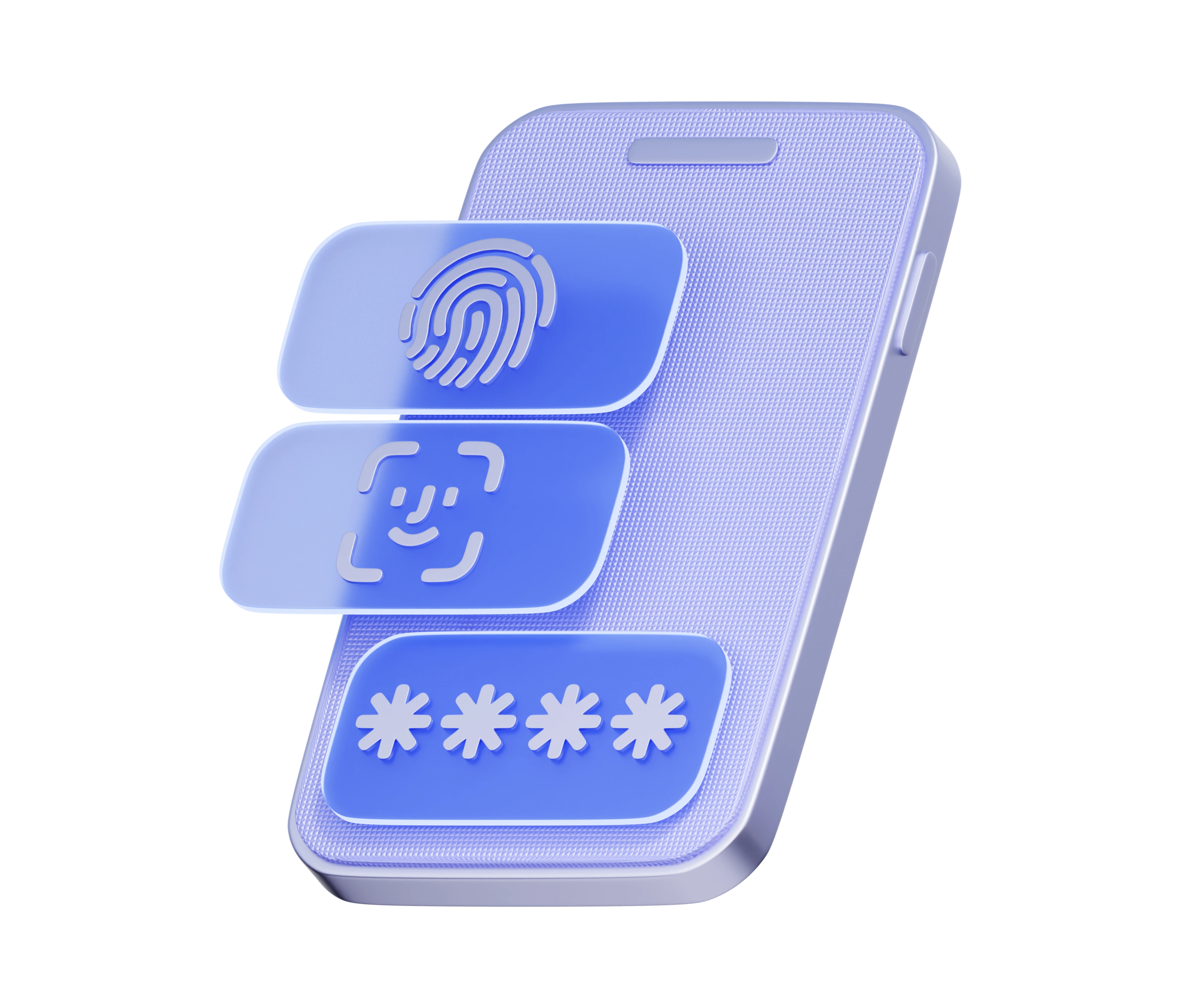
Passkeys are a digital authentication method that allows you to log in to apps or websites without needing to type a password. Instead of relying on a character combination you memorize, Passkeys rely on a physical identity or device you own.
This technology was developed through an industry standard called the FIDO Alliance, which is supported by tech giants like Google, Apple, and Microsoft. If you've ever unlocked your phone using your fingerprint...fingerprint), facial scanFace ID), or your device PIN, then you're already one step closer to understanding how easy passkeys are to use.
How Do Passkeys Work? (Without Complicated Technical Jargon)
To understand Passkeys, imagine a system Keys and Padlocks.
- Public Key (Gembok): When you create a passkey for an account (e.g., a Google account), a “digital lock” is stored on the service provider's servers. This lock is useless to anyone unless it's opened with the correct key.
- Private Key: The original key is stored very securely within your own device (like a phone or laptop). This key is never sent to the internet and never leaves your device.
When you want login, the website will present a “challenge” to your device. Your device will then ask for your verification via biometrics (fingerprint or face). After verification, your device will automatically unlock the “lock” on the server. You will then access your account in seconds without needing to type a single word.
Why are passkeys much better than passwords?
Perhaps you're asking, “What's the difference with the feature autofill or a password manager?” The answer lies in the level of security. Here’s why you should start switching to Passkeys:
A. Immune to Phishing Attacks
This is its biggest advantage. Attack Phishing works by tricking you into entering your password on a fake website that looks like the real one. Since passkeys don't require you to type anything, there's no data for hackers to steal. Your passkey will only work on websites or apps that are officially registered.
B. No Data Leaked from Server
In traditional systems, if a company's server is hacked, millions of user passwords can be leaked. With Passkeys, the company's server only stores a “public lock” that is useless to hackers. The secret key remains safe in your pocket, i.e., inside your phone.
C. Speed and Ease
How long do you spend typing a long password with symbols, numbers, and capital letters? With Passkeys, the process login As fast as unlocking your phone's screen. It's the perfect blend of high-level security and maximum convenience.
D. No Need to Memorize
Say goodbye to notebooks filled with passwords or tedious “Reset Password” features. You are the key. As long as you have your face, fingerprint, or access to your device, you'll never be locked out of your own accounts.
Are Passkeys Safe If I Lose My Phone?
This is the most frequently asked question. If your phone is lost, can others access your account? The answer is not that simple.
Passkeys still require biometric or device PIN verification. So, if someone finds your phone, they still can't use the Passkey without your fingerprint or face. Additionally, most Passkey services (like through Google Password Manager or iCloud Keychain) sync with cloud accounts.cloudWhen you buy a new phone and sign in to your Google or Apple account, your passkeys will be restored automatically.
How to Start Using Passkeys
The good news is that many major services already support this technology. Here are simple steps to get started:
- Update Device Ensure your phone's operating system (Android/iOS) or browser is updated to the latest version.
- Check Account Settings: Open security settings in your Google Account, Apple ID, or apps like WhatsApp and TikTok.
- Enable Passkeys: Look for the “Passkeys” or “Passwordless Authentication” menu. Follow the instructions to register your device.
- Enjoy the Convenience: The next time you are asked login, choose the “Sign in with passkey” option and use your fingerprint or face.
The digital world continues to evolve, and the way we protect ourselves must evolve with it. Passkeys are not just a fleeting tech trend but a new standard that will make our internet experience much safer and more enjoyable.
By switching to Passkeys, you not only simplify your life by eliminating the burden of memorizing passwords, but you also provide layered protection that is extremely difficult for hackers to penetrate. So, are you ready to leave the boring password era and switch to the way login A more humane modern experience? Turn on your Passkeys today and feel the difference!